Square vs Stripe: Fees on Real Sales, Side by Side
Square is cheaper to start in person; Stripe wins for custom online checkouts. We ran the same sales through both, in person, online and by invoice.
By PayoutPrism · Published · 6 min read
How we compared
We ran the same payments through our Square and Stripe fee engines on October 24, 2026, using Square’s Free plan and Stripe’s standard US pricing: a $50 sale in person and online, a $500 invoice by card and by bank, and the effect of instant payouts. All rates come from each company’s own pricing pages (Square fees, Stripe pricing).

Square vs Stripe Fees: In Person, Online and Invoices
| $50 payment | Fees | Fee rate | You keep |
|---|---|---|---|
| Stripe · card reader (2.7% + 5¢) | $1.40 | 2.80% | $48.60 |
| Square · in person (2.6% + 15¢) | $1.45 | 2.90% | $48.55 |
| Stripe · online (2.9% + 30¢) | $1.75 | 3.50% | $48.25 |
| Square · keyed (3.5% + 15¢) | $1.90 | 3.80% | $48.10 |
| Square · online (3.3% + 30¢) | $1.95 | 3.90% | $48.05 |
In person the two are within 5¢ on a $50 sale: $1.40 on Stripe’s reader, $1.45 on Square. Online, Stripe is 20¢ cheaper per $50 ($1.75 vs $1.95), which adds up to $400 a year on $100,000 of online sales. Square’s Plus and Premium plans lower its rates (online to 2.9% + 30¢, in person to 2.5% or 2.4% + 15¢) in exchange for a monthly fee.
| $500 invoice | Fees | Fee rate | You keep |
|---|---|---|---|
| Stripe · ACH Direct Debit | $4.00 | 0.80% | $496.00 |
| Square · invoice paid by ACH | $5.00 | 1.00% | $495.00 |
| Square · invoice paid by card | $16.80 | 3.36% | $483.20 |
| Stripe · card + Invoicing Starter (0.4%) | $16.80 | 3.36% | $483.20 |
By card, a $500 invoice costs $16.80 on both. Stripe’s card rate is lower, but its Invoicing product adds 0.4% of each paid invoice. By bank, Stripe’s ACH Direct Debit (0.8%, capped at $5) is $4.00 against Square’s $5.00 (1% on the Free plan; Square caps ACH at $10 on Plus and Premium). For large invoices, either bank option is far cheaper than card.
Stripe vs Square for Online-First Businesses
If you sell mainly online, Stripe has three advantages beyond the rate:
- Customization. Stripe’s checkout, APIs and integrations let you build exactly the flow you want, from subscriptions to marketplaces.
- Payment methods. Link instant bank payments, ACH, Klarna and many international methods sit behind one integration.
- Global sales. Stripe prices international cards clearly (+1.5%) and currency conversion (+1%), so you can see what selling abroad costs.
Square’s online tools (Square Online, payment links, invoices) are simpler and fine for shops that don’t want a developer. If your online store runs on Shopify, Shopify Payments (2.9% + 30¢ on Basic) is usually the default instead of either.

Square for in-person businesses
Square wins on the counter for practical reasons: free point-of-sale software, readers and terminals designed for retail and restaurants, inventory, staff and tipping built in. Stripe Terminal is cheaper per tap (5¢ vs 15¢ fixed), which matters for coffee-sized tickets; on a $5 sale that’s $0.19 on Stripe versus $0.28 on Square. But Stripe’s in-person setup suits businesses that already run on Stripe or want a custom system.
Fees beyond the rate
| Extra | Square | Stripe |
|---|---|---|
| Instant payout | 1.95% | 1.5% (min $0.50) |
| Standard payout | Free | Free |
| Keyed card | 3.5% + 15¢ | +0.5% on the card rate |
| International card | Included in rate | +1.5% |
| Monthly fee for these rates | $0 (Free plan) | $0 |
If you pull money out instantly every day, the payout fee can cost more than the difference in card rates: $10,000 a month moved instantly is $195 on Square and $150 on Stripe.
What setting each one up looks like
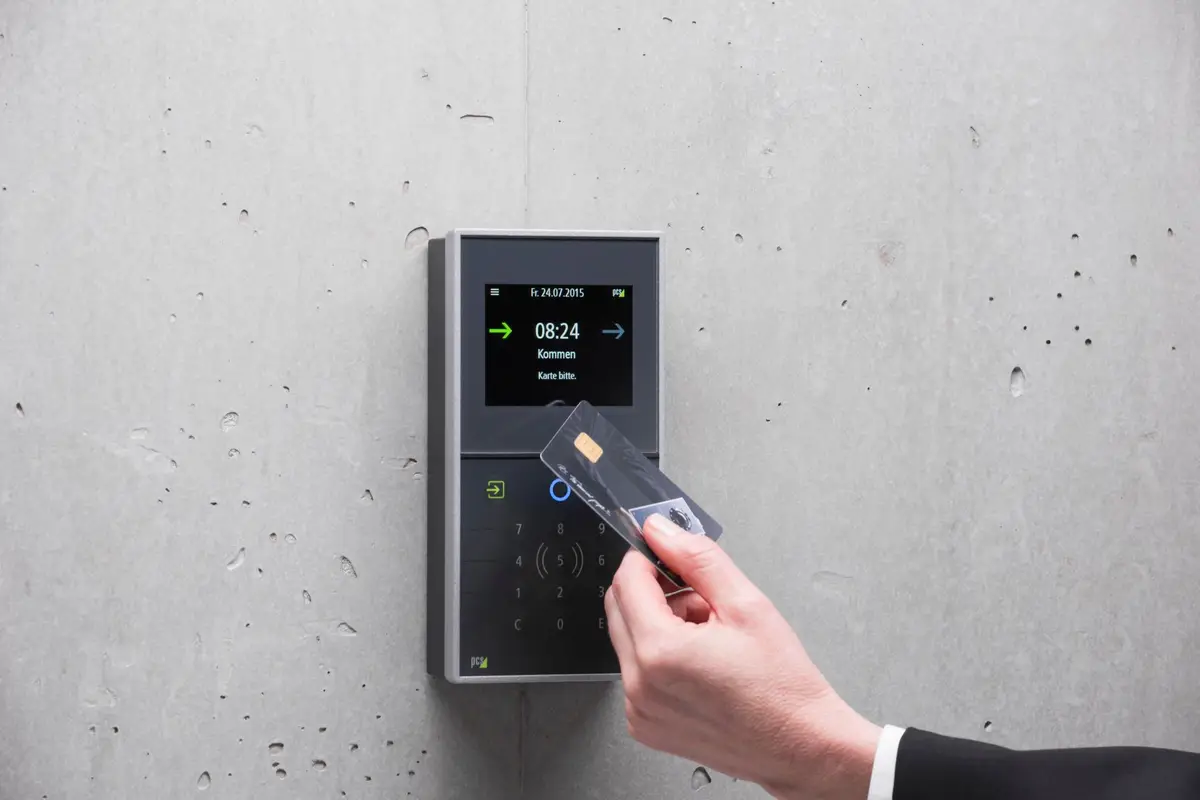
Square is designed to work the day you sign up. You create a free account, download the point-of-sale app, and take payments with Tap to Pay on a phone or with a Square reader or terminal. Online, Square gives you payment links, invoices and a simple online store without writing code. The trade-off is that you work inside Square’s system: its hardware, its software, its way of doing things.
Stripe starts from the other end. You can send payment links or invoices from the dashboard on day one, but its strength is the API: your developer, or a platform you already use, connects Stripe to your checkout, app or subscription system. In-person payments need a Stripe Terminal reader and an app built for it. That flexibility is why Stripe powers so many online businesses, and why it can feel like more work for a small shop with no developer.
Either way, the cost of switching later is mostly your time: moving saved customer cards, subscriptions and reporting. Pick the one that fits how you sell today, not the one with the lowest headline rate.
A month that mixes both channels
Most small businesses sell in person and online, so here’s a typical mix: $6,000 a month in person and $4,000 online, all in $50 sales (120 in-person and 80 online payments).
| Setup | In person | Online | Monthly total |
|---|---|---|---|
| Square Free for everything | $174 | $156 | $330 |
| Stripe for everything | $168 | $140 | $308 |
| Square in person + Stripe online | $174 | $140 | $314 |
The all-Stripe setup is cheapest on fees by $22 a month, about $264 a year. Whether that’s worth giving up Square’s free point-of-sale software depends on how much you’d spend replacing it. For most shops with a counter, the hybrid setup is the practical answer.
When a paid Square plan pays off
Square’s Plus and Premium plans cut the rates: in person to 2.5% + 15¢ (Plus) or 2.4% + 15¢ (Premium), and online to 2.9% + 30¢ on both. The saving is easy to estimate: 0.1–0.2 points of your in-person sales plus 0.4 points of your online sales. On the mix above, Plus would save about $6 in person and $16 online, $22 a month. If the plan costs more than that, stay on Free; check the plan prices on Square’s fees page against your own volume.
Which we’d choose
- Café, salon, retail counter: Square. The software and hardware save more than any rate difference.
- Online store with a developer, SaaS or subscriptions: Stripe.
- Online store on Shopify: Shopify Payments, with Stripe or Square only for side channels.
- Freelancers and service businesses sending invoices: either, with ACH turned on for big invoices; also compare QuickBooks Payments.
Run your own monthly volume through the credit card processing fee calculator, which includes Square and Stripe presets, or open the Square and Stripe calculators for every option.
Questions people ask
What are the fees for Stripe and Square?
Square’s Free plan charges 2.6% + 15¢ in person, 3.3% + 30¢ online and 3.5% + 15¢ for keyed cards. Stripe charges 2.9% + 30¢ for online US cards, 2.7% + 5¢ on its card readers, and adds 1.5% for international cards.
Is Square or Stripe cheaper?
Online, Stripe: 2.9% + 30¢ versus 3.3% + 30¢ on Square’s Free plan ($1.75 vs $1.95 on $50). In person they’re close: $1.40 on Stripe’s reader versus $1.45 on Square for a $50 sale. Square’s paid plans lower its rates.
Is Stripe a payment gateway or a processor?
Both: Stripe provides the gateway (the online checkout and API) and processes the payment, so you don’t need a separate merchant account. Square works the same way for its own hardware and online tools.
Which is better for a small retail shop?
Usually Square: free point-of-sale software, hardware designed for counters and inventory tools out of the box. Stripe can do in-person payments, but it’s built for businesses that want to customize.
Can I use both Square and Stripe?
Yes. Many businesses take in-person payments with Square and online payments through Stripe, or the other way around. Just track fees and payouts separately.
Run your own numbers
- Square calculator2.6% + 15¢ in person, 3.3% + 30¢ online, 3.5% + 15¢ keyed in (US, Square Free)
- Stripe calculator2.9% + 30¢ per card payment, +1.5% international card, +1% currency conversion (US)
- Credit Card Processing calculatorPer-sale and monthly card fees for Square, Stripe, PayPal, Clover, QuickBooks or any rate
- Clover calculator2.3%–2.6% + 10¢ in person by plan, 3.5% + 10¢ typed in, plus the monthly plan
Sources
Fee figures come from each platform’s own pages and were run through our calculators on October 24, 2026. How we check fees