Zelle vs Venmo: Fees, Limits and Protection Compared
Zelle is free and lands in minutes but has no purchase protection; Venmo is free between friends but charges sellers and instant cash-outs. Here’s which to use when.
By PayoutPrism · Published · 5 min read
How Zelle and Venmo differ
They solve the same problem, sending money to a person, in different ways. Zelle moves money directly between US bank accounts: there’s no balance to cash out, and payments typically arrive within minutes (Zelle Help Center). Venmo is a wallet: money lands in your Venmo balance, and you move it to a bank later, free in 1–3 business days or for a fee instantly (About Venmo Fees).
That structural difference explains almost every fee below.

Fees compared on real amounts
| What you’re doing | Zelle | Venmo |
|---|---|---|
| Send $100 to a friend from your bank | $0 (typically) | $0 |
| Send $100 with a credit card | Not offered | $3.00 (3%, paid by you) |
| Get $100 into your bank today | $0, already there | $1.75 (1.75% instant transfer) |
| Sell an item for $100 to a stranger | $0, no protection | $2.99 (goods and services) |
| Business payment of $100 | Depends on your bank | $2.00 (1.9% + $0.10, business profile) |
Venmo’s numbers come from its fee page and help center; its instant transfer fee is 1.75% with a $0.25 minimum and $25 maximum (Instant Bank Transfer FAQ). The credit card fee is 3%, charged to the sender (Credit Card Fees on Venmo Payments).
| Venmo: getting $100 to your bank | Fees | Fee rate | You keep |
|---|---|---|---|
| Standard transfer | $0.00 | 0.00% | $100.00 |
| Instant transfer | $1.75 | 1.75% | $98.25 |
| $1,000 instant | $17.50 | 1.75% | $982.50 |
Zelle Fees: Free to Use, but Not Free of Risk
Zelle itself typically charges consumers nothing to send or receive, and the survey Zelle cites found 99.40% of consumer checking and savings accounts linked to Zelle charge no fee. The cost of Zelle isn’t a fee, it’s finality. Zelle says that once a recipient is enrolled, a payment “cannot be canceled”, and it recommends sending only to people you know and trust (Zelle Help Center).
So treat Zelle like handing someone cash. Perfect for rent to a known landlord or paying a family member; a bad idea for a concert ticket from a stranger online.

When Venmo is worth its fees
Venmo costs money in three situations, and each one buys something:
- Goods and services (2.99% to the seller). Purchase protection for the buyer. If you’re selling to strangers, this is what makes buyers comfortable paying you at all.
- Instant transfer (1.75%). Speed when you need cash in your bank today; capped at $25, so large transfers get proportionally cheaper.
- Credit card funding (3%). Convenience when your bank balance is low. We’d avoid it: it’s rarely worth 3%, and some card issuers treat it as a cash advance.
Everything else, personal payments from your balance, bank or debit card, and standard transfers, is free.
Getting paid by customers: Zelle vs Venmo for business
If you run a small business, the choice changes. Venmo has dedicated business profiles: customers pay you through the app or a QR code for 1.9% + $0.10 per payment, and in-person Tap to Pay costs 2.29% + $0.09 (Business Profile Transaction Fees). On a $40 haircut that’s $0.86. Customers see your business name, and you get a record of every sale.
Zelle for small business runs through your bank. Many banks let business accounts send and receive with Zelle, but fees and limits are set by the bank, not by Zelle, and there’s no buyer protection for your customers. It works well for regular clients who already trust you, such as a weekly cleaning job or a monthly tutoring invoice. For walk-in customers or online orders, a card processor or Venmo business profile is the more professional choice.
| $40 payment from a customer | Cost to you |
|---|---|
| Venmo business profile (app or QR) | $0.86 |
| Venmo Tap to Pay | $1.01 |
| Zelle (business account) | Depends on your bank, often $0 |
| Square, card tapped in person | $1.19 (2.6% + 15¢) |
Scams: how each app handles them
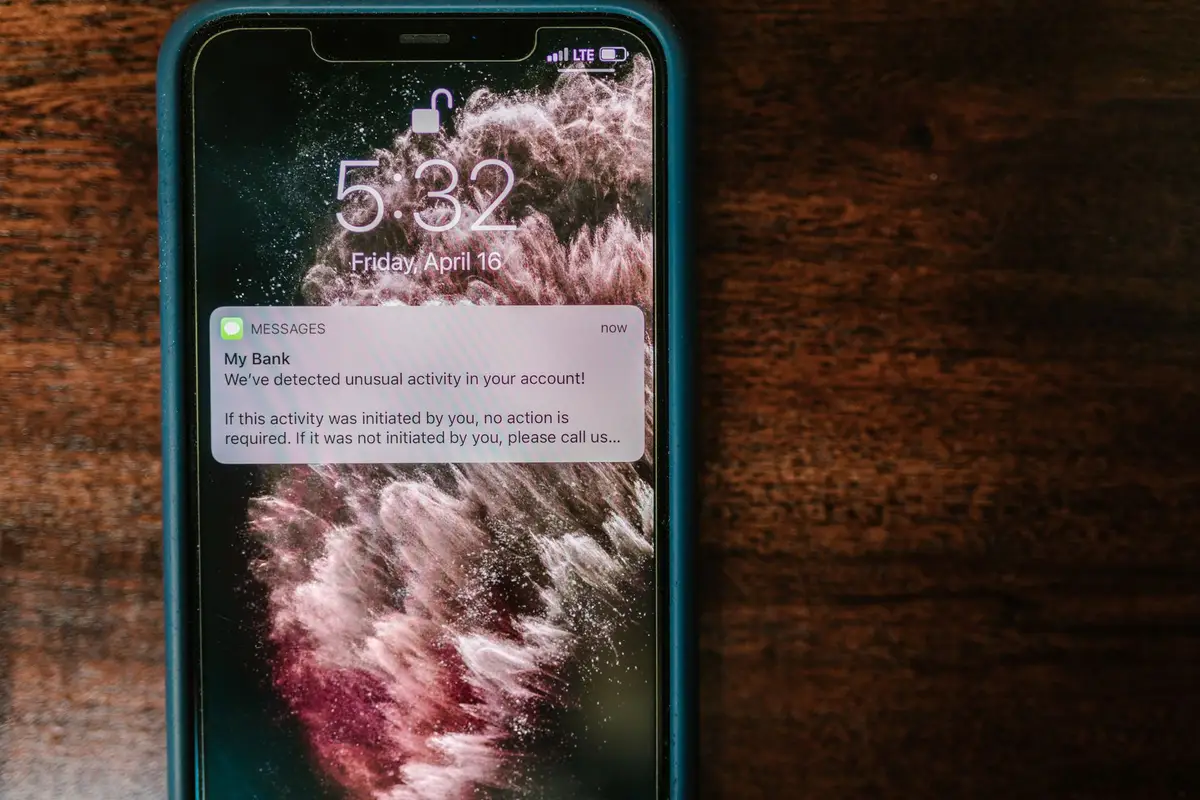
Most payment-app scams work the same way: get you to send money you can’t pull back. The apps handle that risk differently.
- Zelle payments to an enrolled recipient go straight into their bank account and can’t be cancelled. Zelle’s own advice is to send only to people you know and trust.
- Venmo personal payments are also hard to reverse. Purchase protection only applies when the payment is tagged as goods and services, which is why “just send it as friends and family to save the fee” is a red flag from a seller.
- Overpayment tricks (“I sent too much, please refund the difference”) hit both. Wait until the original payment has actually cleared to your bank before refunding anything, and refund through the app to the same sender.
The cheapest protection is the habit of using each app for what it’s built for: Zelle for people you know, Venmo goods and services when you don’t.
Limits and availability
Both are US services. Zelle needs a US bank account on both sides and works inside many banking apps; if your bank doesn’t offer it, there’s a standalone option with limited availability. Each bank sets its own Zelle sending limits, so check your bank’s app. Venmo sets limits by account and verification status; Instant Transfers from a verified personal profile max out at $5,000 per transfer.
Which one we’d use
- Rent, bills and family: Zelle. Free, fast, no balance to forget about.
- Splitting dinner with friends: Venmo or Zelle, both free. Venmo’s social feed and requests make it handier for groups.
- Selling on Facebook groups or to strangers: Venmo with goods and services. Price the 2.99% in; see the Venmo fee calculator.
- Getting paid as a small business: a Venmo business profile at 1.9% + $0.10, or a card processor if customers want to pay by card; compare in the credit card processing fee calculator.
If you also use PayPal, our Venmo vs PayPal comparison covers the fee gap between the two.
Questions people ask
Does Zelle charge fees?
Typically not. Zelle says there are usually no fees for consumers to send or receive money, and a Q1 2026 survey it cites found 99.40% of linked consumer accounts charge no fee. Check with your own bank.
Is Zelle or Venmo faster?
Zelle: money typically reaches an enrolled recipient’s bank account within minutes, for free. Venmo payments arrive in the Venmo balance instantly, but moving them to a bank is free in 1–3 business days or 1.75% to do it instantly.
Which is safer for buying from strangers, Zelle or Venmo?
Neither friends-style payment protects a purchase. Venmo offers purchase protection when the seller is paid with goods and services; Zelle tells users to send only to people they know and trust, and a payment to an enrolled user can’t be cancelled.
Can I use Zelle internationally?
No. Zelle requires both sender and recipient to have US bank accounts. Venmo is also US-only for most payments, though it can send to PayPal accounts abroad for a fee.
Should I use Zelle or Venmo for my small business?
Venmo, if you want customer-facing tools and protection: a business profile costs 1.9% + $0.10 per payment. Zelle is free but offers no buyer protection, so it suits regular clients you trust more than one-off sales.
Run your own numbers
- Venmo calculator2.99% goods & services, 1.9% + $0.10 business, 1.75% Instant Transfer (min $0.25, max $25)
- Venmo Instant Transfer calculator1.75% to cash out instantly (min $0.25, max $25); standard transfer free
- PayPal Friends & Family calculatorFree from balance or bank; card 2.90% + $0.30; abroad 5% ($0.99–$4.99)
- Cash App calculator2.6% + 15¢ business payments, 3% Tap to Pay and credit card sends, 0.5–2.5% instant deposits (US)
Sources
Fee figures come from each platform’s own pages and were run through our calculators on October 24, 2026. How we check fees